Tired of Coding Headaches? How Claude Code Makes Life Easier
Ever found yourself staring at a blank editor, cursor blinking, with a deadline looming and not a single line of code written? Or maybe you’ve spent hours debugging a stubborn error, feeling like you’re talking to a brick wall. Coding can be amazing, but it also comes with its fair share of frustrating moments.
Sometimes, the mental block is real. The logic feels tangled, the syntax elusive, or you just can’t remember that one specific library function. These moments can drain your motivation, making even your favorite projects feel like a chore.

The good news? There’s a smarter way to tackle these common coding pains. Think of having an incredibly knowledgeable, patient coding buddy right there with you. This is where **Claude code** comes into play, offering a fresh perspective and a helping hand when you need it most. It’s about changing how you build, debug, and learn, making the whole process smoother and much less stressful.
Table of Contents
- The Code Conundrum: Why Developers Get Stuck
- Unlocking Potential with Claude Code
- Claude Code in Action: Real-World Helpers
- Making the Most of Claude’s Coding Skills
- Looking Ahead: The Future of Your Code
The Code Conundrum: Why Developers Get Stuck
Let’s face it, coding isn’t always a walk in the park. Even seasoned pros hit walls. What are some of those recurring issues that make us pull our hair out?
- Blank Page Syndrome: Starting a new feature or project can be paralyzing. Where do you even begin? What’s the best structure?
- Debugging Nightmares: That sneaky bug hiding in plain sight, making your program crash for no apparent reason. Hunting it down feels like searching for a needle in a haystack.
- Understanding Foreign Codebases: Inheriting someone else’s code can be a puzzle. Deciphering complex logic or unfamiliar patterns takes serious effort.
- Syntax Struggles & Boilerplate Blues: Remembering exact syntax for every language and framework, or writing repetitive setup code, can be a time sink.
- Writer’s Block for Documentation: Writing clear, helpful comments and documentation often falls to the bottom of the priority list, but it’s super important.
These pain points aren’t just minor annoyances; they slow down projects, increase stress, and sometimes even lead to burnout. Imagine if you had a resource that could jump in and simplify these moments.
Unlocking Potential with Claude Code
This is where integrating **Claude code** generation and assistance into your workflow becomes a game-changer. Claude isn’t just spitting out random lines; it understands context, follows instructions, and helps you craft better code.
“Think of Claude not as a replacement for your brain, but as a super-powered assistant that handles the tedious, the complex, and the ‘I-can’t-remember’ tasks, freeing you to focus on the big picture.”
Here’s how it tackles those common struggles head-on:
- Say Goodbye to Blank Pages: Need a basic Flask app structure? Or a React component with state? Just ask Claude. It can generate initial boilerplate, saving you valuable setup time and getting you past that intimidating blank screen.
- Your Debugging Detective: Stuck on an error? Paste your code and the error message into Claude. It can often pinpoint the issue, explain *why* it’s happening, and suggest fixes. It’s like having an extra pair of expert eyes.
- Deciphering Complex Logic: Got a function you don’t quite grasp? Claude can break down complicated code blocks, explaining what each part does and how they work together. This is a lifesaver for learning or navigating legacy systems.
- Syntax and Boilerplate Made Easy: Forget that obscure method name or how to correctly set up a database connection. Claude knows. It can provide correct syntax examples, generate common functions, or even help you write tests.
- Documentation Done Better: Need to document a complex function? Claude can draft comments, docstrings, or even full README sections based on your code. This helps keep your projects tidy and understandable for everyone.
Claude Code in Action: Real-World Helpers
Let’s look at some practical scenarios where Claude really shines.
Starting New Projects with a Head Start
Imagine you’re building a simple web API. Instead of manually setting up routes, models, and basic CRUD operations, you could prompt Claude: “Write a Python Flask API that manages a list of books, with endpoints for adding, listing, updating, and deleting.” You’d get a functional starter code in moments.
Fixing Stubborn Bugs
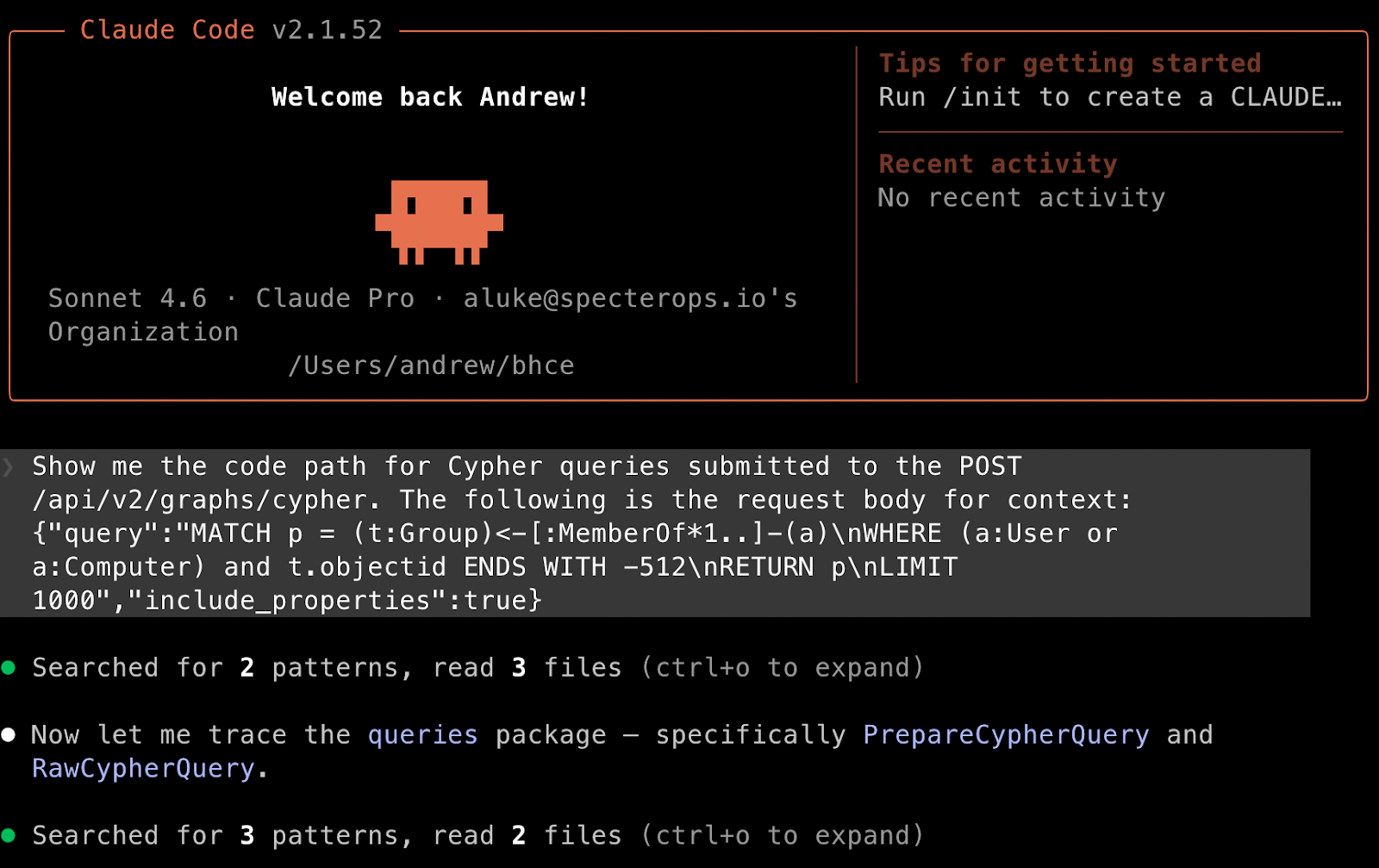
You have a JavaScript function that’s supposed to sort an array, but it keeps throwing `TypeError: Cannot read properties of undefined`. You paste the function and the error. Claude might respond: “It looks like you’re trying to call `map()` on `undefined`. This often happens when the array you’re trying to sort is empty or hasn’t been initialized correctly before this function runs. Consider adding a check to ensure `myArray` exists and is an array before processing.” It can even offer a corrected version.
Learning New Concepts Quickly
Trying to understand asynchronous programming in JavaScript? Ask Claude: “Explain `async/await` in JavaScript with a simple, practical example.” It will provide a clear explanation and a small, runnable code snippet demonstrating the concept. This instant feedback loop helps you learn much faster than sifting through documentation.
Improving Code Quality and Readability
You’ve got a long, somewhat messy function. You can ask Claude: “Refactor this Python function to be more readable and efficient.” It might suggest breaking it into smaller helper functions, using list comprehensions, or adding more descriptive variable names.
Here’s a quick comparison of traditional coding versus coding with Claude’s assistance:
| Coding Challenge | Traditional Approach | With Claude’s Assistance |
|---|---|---|
| Project Setup | Manual config, boilerplate copy/paste, internet searches. | Generates initial project structure and basic files instantly. |
| Debugging | Hours of `print()` statements, trial-and-error, forum searches. | Explains errors, suggests fixes, and points to problematic areas. |
| Learning New Tech | Reading docs, tutorials, multiple examples. | Provides instant explanations, tailored examples, and clarifications. |
| Code Refactoring | Manual restructuring, personal review, peer reviews. | Suggests improvements for readability, efficiency, and best practices. |
| Documentation | Often an afterthought, manual writing, time-consuming. | Drafts comments, docstrings, and README sections based on code. |
Making the Most of Claude’s Coding Skills
Getting the best out of **Claude code** assistance involves a bit of finesse. It’s about being a good communicator.
- Be Specific: The more detail you give, the better the output. Instead of “write code,” try “write a Python function that calculates the factorial of a number, handles negative inputs by returning an error message, and includes a docstring.”
- Provide Context: If you’re working on an existing codebase, paste relevant snippets. Tell Claude about the surrounding logic or what you’re trying to integrate with.
- Iterate and Refine: Don’t expect perfection on the first try. If the initial output isn’t quite right, tell Claude what needs changing. “That’s good, but can you use `async/await` instead of Promises?”
- Learn from It: Don’t just copy-paste. Read the code Claude generates. Understand *why* it chose a certain approach. This helps you grow your own skills.
- Double-Check Everything: Claude is super smart, but it’s not infallible. Always test and review any generated code before putting it into production. It’s a tool, not a magic bullet.
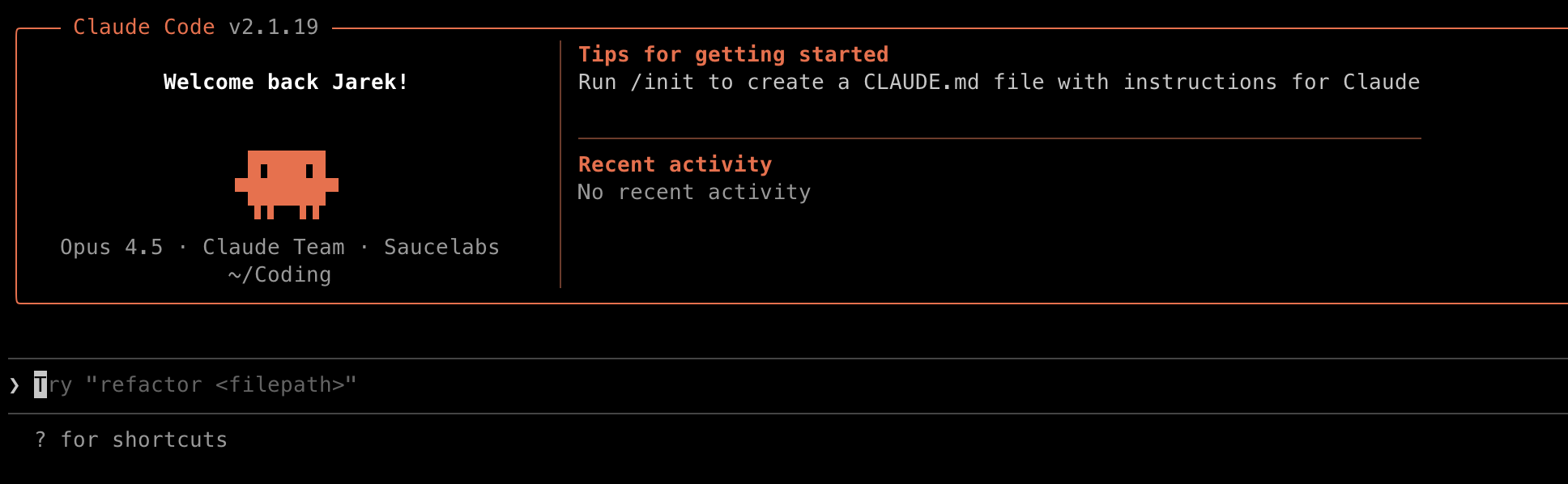
Using Claude wisely means seeing it as an extension of your own capabilities, helping you work smarter, not necessarily harder.
Looking Ahead: The Future of Your Code
The way we build software is changing quickly, and tools like Claude are a big part of that shift. Embracing these new forms of assistance doesn’t diminish your skills; it amplifies them. It frees you from the mundane, lets you explore new ideas faster, and keeps you moving forward when you might otherwise get stuck.
So, next time you’re facing a coding challenge, consider bringing Claude into the conversation. It might just be the coding partner you never knew you needed.
### Hashtags
ClaudeCode, AIinCoding, DeveloperTools, ProblemSolution, CodingTips, TechLife, BoostProductivity, CodeHelper, FutureofDev, LearningToCode
Leave a Reply